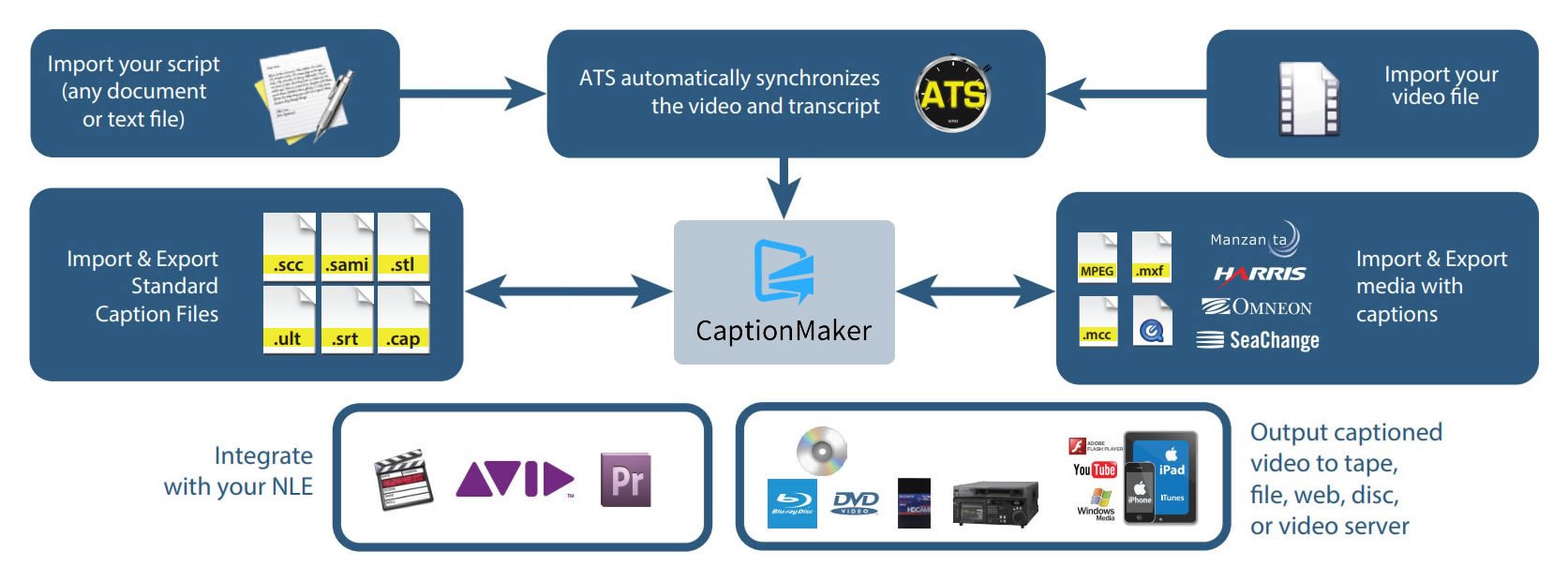
Simplify video captioning & subtitling in any digital workflow.
Easily author, edit, encode, and repurpose video captions & subtitles for television, web, and mobile delivery.


At the core of CaptionMaker is the e-Captioning™ engine. This revolutionary technology integrates with digital production systems to prepare and encode both standard and high definition video with caption and subtitle data. CaptionMaker simplifies the process of complying with government regulations, enabling greater access to broadcast content for television, online, and mobile viewers.

The fastest and simplest way to author and edit closed captions and subtitles for any type of video. Take advantage of the same powerful yet easy to use closed captioning software trusted by top industry professionals. Now Available!: Speech-to-Text with Timed Text Speech.

Export closed captions and subtitles directly into broadcast and web media files, as well as a broad range of caption and subtitle file formats, with industry-leading format creation and conversion support. Troubleshoot and QC your accessible video files.

Automate high volume caption and subtitle processing tasks such as insertion and extraction, format conversion, timing and frame rate adjustment, sub-clipping and clip assembly. Combine with Vantage for powerful automated closed captioning workflows.
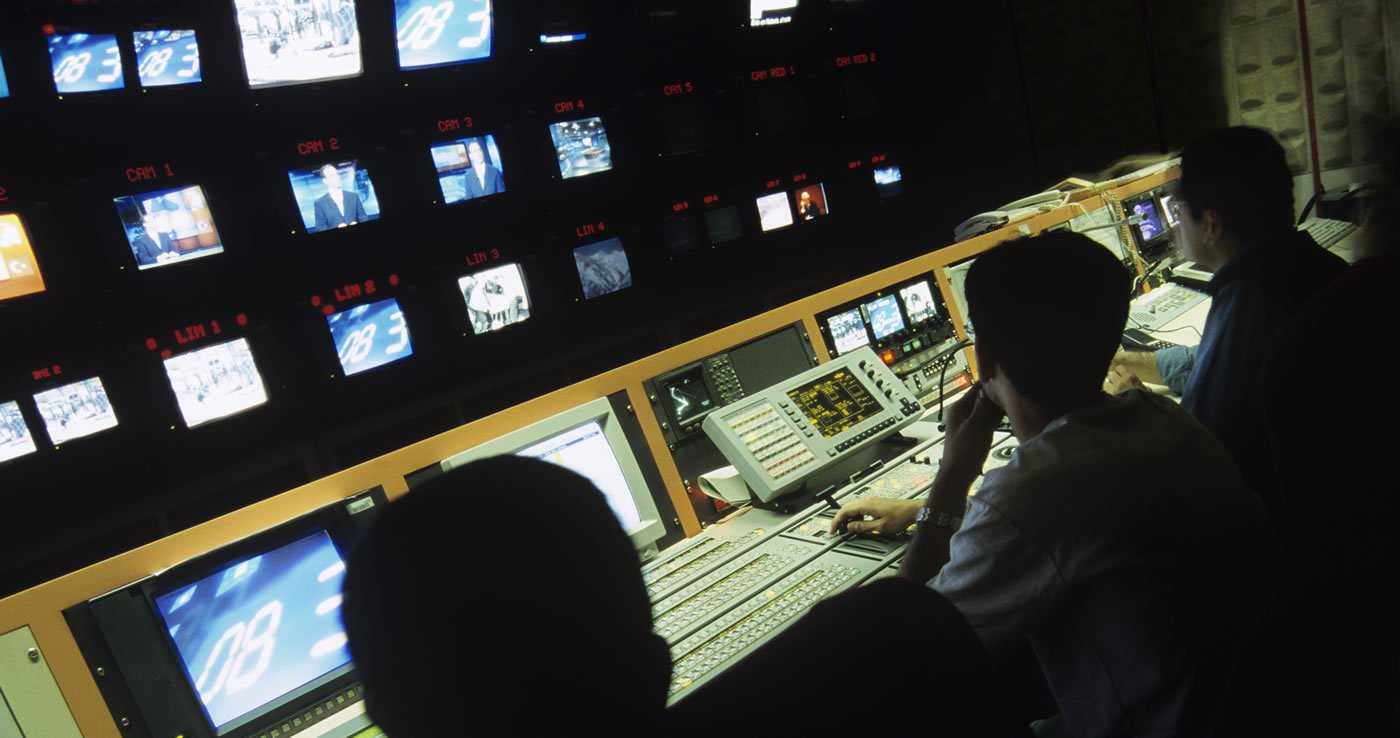
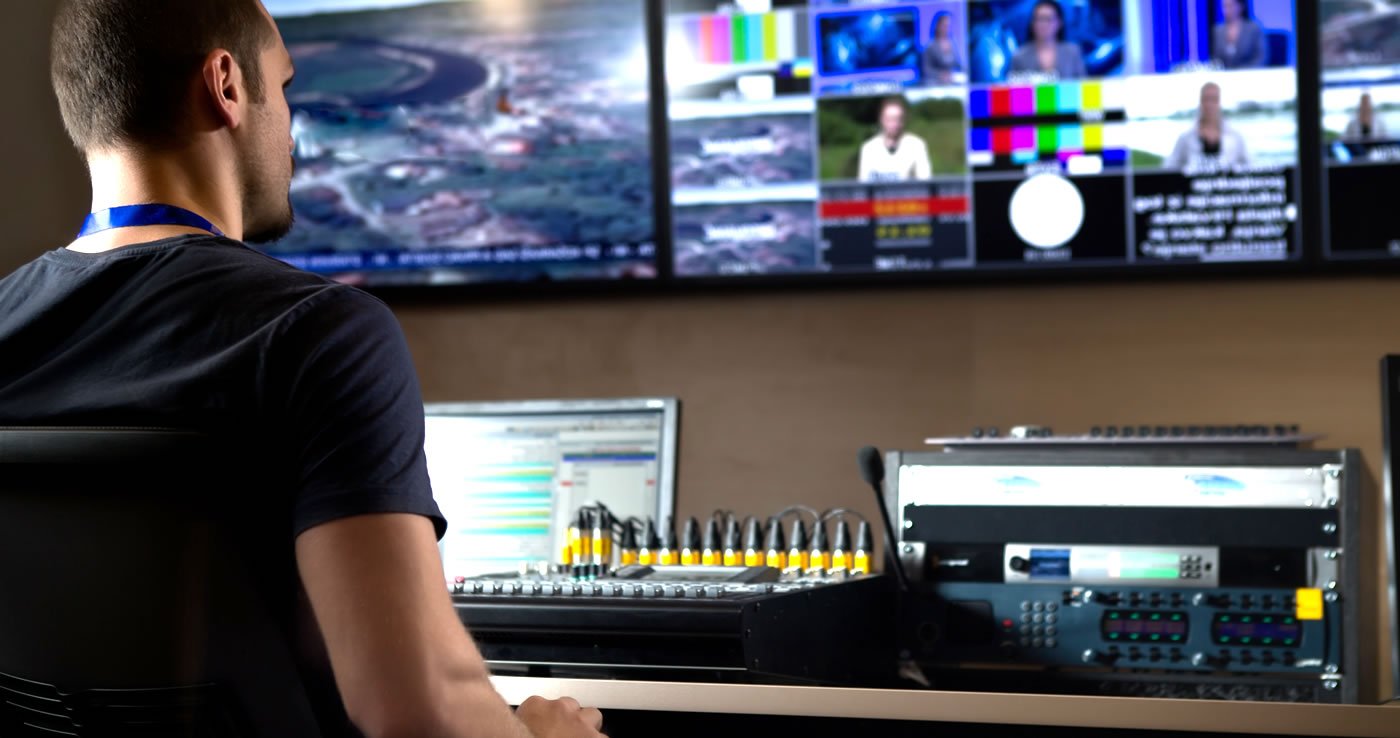



Dramatically save time by automatically creating a text transcript of your video using speech-to-text technology. Auto-Transcribe your media in over 100 languages using Timed Text Speech. This cloud based service uses the power of AI to return texting and timing results to CaptionMaker.

CaptionMaker provides an efficient way for you to comply with federal regulations while maintaining fast delivery of time-sensitive captioned video material.

At the core of CaptionMaker is the e-Captioning™ engine. This revolutionary technology integrates with digital production systems to prepare and encode both standard and high definition video with caption and subtitle data.
For file-based workflows, OTT web & mobile, NLEs, assembly & media management, live broadcast & webcast, DVD & Blu-Ray.
To caption a video you need a transcript. Then you need to synchronize, or time stamp, the transcript so that each phrase is displayed at the right time. Our Auto Time Stamp (ATS) feature dramatically reduces the time it takes to time stamp your captions.
Use our products to embed closed captioning directly into files, including: MPEG-2 Program and Transport Streams, QuickTime, MCC, and more. Teletext OP-47/OP-42, CEA-608, and CEA-708 read and write are supported for MXF OP1a workflows.
Our software provides the flexibility to create closed captions for all the popular web and mobile formats, including: Facebook, YouTube, Flash, QuickTime, iTunes, Vimeo and Windows Media. It also converts existing closed captions into web formats.
CaptionMaker now supports all the new Internet captioning formats, including IMSC 1.0, WebVTT, SMPTE TT 2052, EBU-TT, and iTunes.iTT. This allows you to upload your video content with captions for playback on YouTube, Vimeo, iTunes, Android, Safari in iOS7, and Kindle Fire. Universities, government agencies, and corporate video departments can now comply with strict accessibility guidelines by using CaptionMaker to easily create FCC-compliant caption data and other Internet closed captioning video formats.
CaptionMaker is the only software products that enable the HD closed captioning functions of Adobe Premiere Pro, and Avid Media Composer & Symphony. You can edit and output HD and SD closed captions to tape, file, disc, mobile devices, and the web. Subtitle overlay files are created with alpha channel graphics to provide compatibility with your editing workflow.
Most popular NLE systems and capture cards accept Telestream encoded caption files and map the data to the proper location in the HD or SD video signal. We also support popular playout servers.
Extract closed captions from previously captioned video and re-export them to a variety of formats. Caption and subtitle data can automatically be conformed to match an edit decision list (EDL). Software also supports batch conversion and command line interface (CLI) scripting for automated workflows.
Use our software with a hardware encoder to caption a live broadcast or to live text stream to a web site. Or, use it to caption live YouTube streaming video. Captions can be input via speech recognition software or stenograph.
CaptionMaker works with all professional authoring programs, allowing you to create closed captions and subtitles for DVD and subtitles for Blu-ray.
Subtitling support includes burn-in to .MOV, Teletext OP-47/OP-42, and subtitle overlay exports to video editing and transcoding systems. In addition, CaptionMaker supports standard subtitling text formats for conversion to modern OTT subtitling files.
Our Auto Time Stamp (ATS) feature dramatically reduces the time it takes to time stamp your closed captions.
To caption a video, you need a transcript. Then you need to synchronize, or time stamp, the transcript so that each phrase is displayed at the right time. In the past, synchronizing captions was a labor-intensive, time consuming process. Your options were limited to doing the time stamping yourself, or paying a service on a recurring basis to do it for you.
Telestream offers an Auto Time Stamp (ATS) feature for our post production closed captioning software. This feature is a huge time saver for organizations who need to caption a large volume of videos for which transcripts are available. Automatic time stamping won't always be as accurate as a human being, but since it identifies potential problem areas in the file, you can achieve the accuracy of a human being without the tedium of manually timing the entire video. This can also help you quickly identify any discrepancies in the transcript.
ATS works very well for videos such as (but not limited to): speeches, lectures, presentations, meetings, training videos, etc. which have clean audio. It does not work as well if the audio has already been mixed with music or sound effects, so it is isn't recommended for captioning dramatic content, music videos, videos with lots of background noise or low fidelity audio, such as telephone or VoIP recordings.